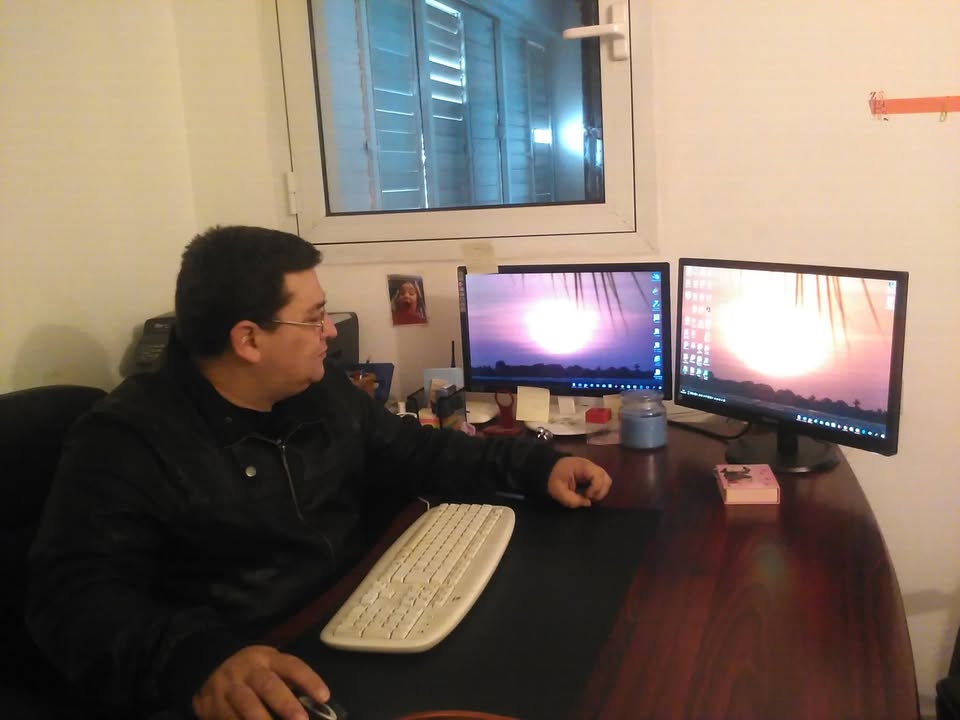
Every time a client called, my heart sank — until I developed the system that changed the game for IT professionals (and even my accountant) כל פעם שלקוח התקשר הלב שלי צנח — עד שפיתחתי את המערכת ששינתה את חוקי המשחק עבור מקצועני ה-IT (ואפילו עבור מנהלת החשבונות שלי)
Meet SeeDesktop Pro: The platform that doesn't just connect you to a remote computer, but gives you absolute, smart, and secure control over your entire IT fleet — from anywhere in the world. הכירו את SeeDesktop Pro: הפלטפורמה שלא רק מחברת אתכם למחשב מרחוק, אלא נותנת לכם שליטה מוחלטת, חכמה ומאובטחת על כל צי המחשוב שלכם — מכל מקום בעולם.
Best Free Remote Desktop for Windows תוכנת השתלטות מרחוק החינמית הטובה ביותר לווינדוס
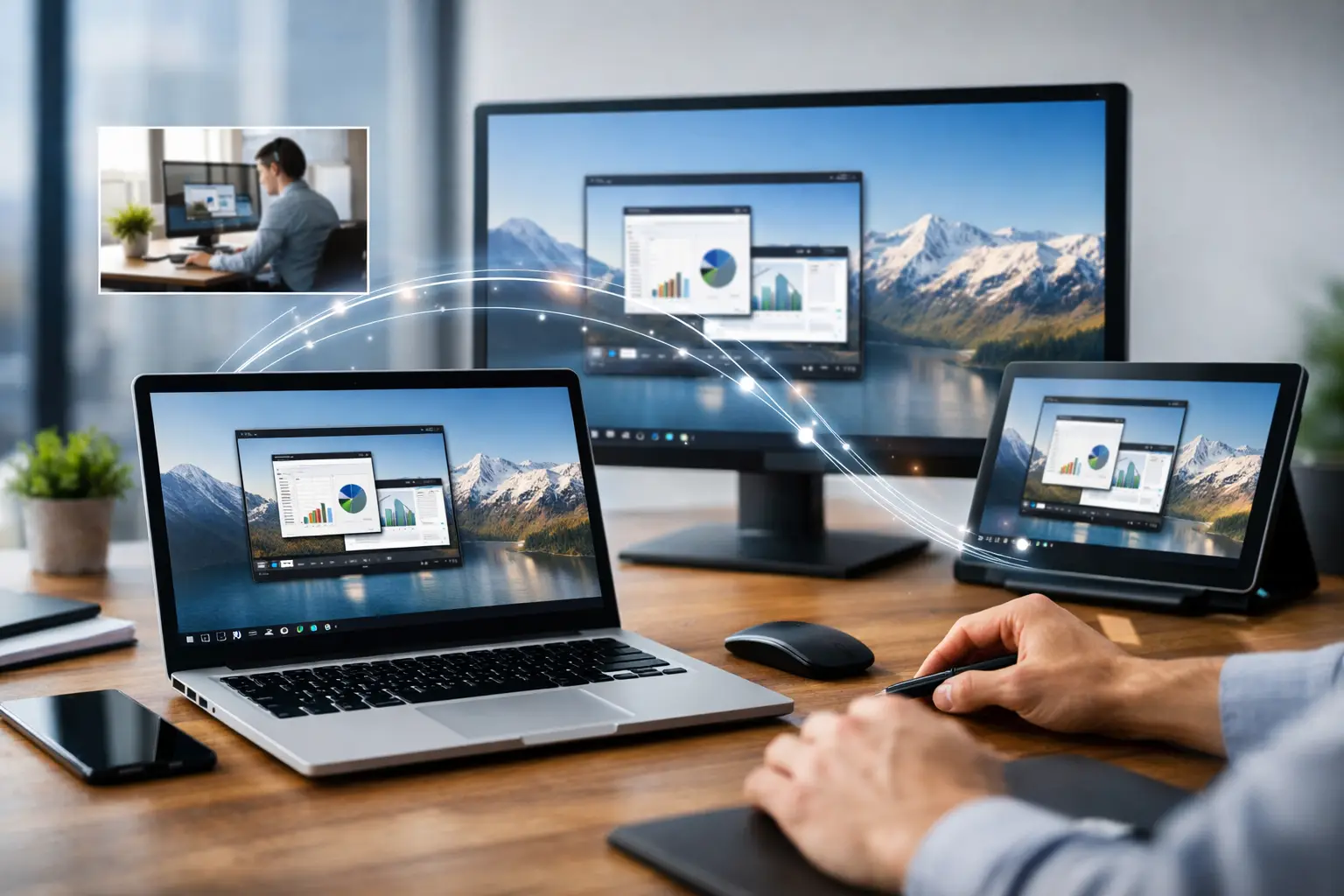
If you have ever tried to help a coworker from home... אם אי פעם ניסיתם לעזור לעמית לעבודה מהבית...
There is a sound your phone makes when a client has a system crash... but in the Pro version of SeeDesktop, that sound doesn't scare you anymore. Why? Because you already know what happened even before the client called. יש צליל שהטלפון שלך עושה כשללקוח יש קריסת מערכת... אבל בגרסת ה-Pro של SeeDesktop, הצליל הזה כבר לא מפחיד אותך. למה? כי אתה כבר יודע מה קרה עוד לפני שהלקוח התקשר.
I have been a software developer and technician for 25 years. When I built SeeDesktop, I didn't want just another "remote control software". I wanted a powerful work tool suited for the real needs of 2026. Whether it's an IT tech managing 500 computers, a video editor working on a supercomputer from a cafe laptop, or an accountant who needs a full office at home. אני מפתח תוכנה וטכנאי כבר 25 שנה. כשבניתי את SeeDesktop, לא רציתי רק "תוכנת השתלטות". רציתי כלי עבודה עוצמתי שמתאים לצרכים האמיתיים של שנת 2026. בין אם זה טכנאי IT שצריך לנהל 500 מחשבים, עורך וידאו שרוצה לעבוד על "מחשב-על" מהלפטופ בבית קפה, או מנהלת חשבונות שזקוקה למשרד מלא מהבית.
The office moves home — without compromise (The Accountant's Story) המשרד עובר הביתה — בלי פשרות (סיפורה של מנהלת החשבונות)
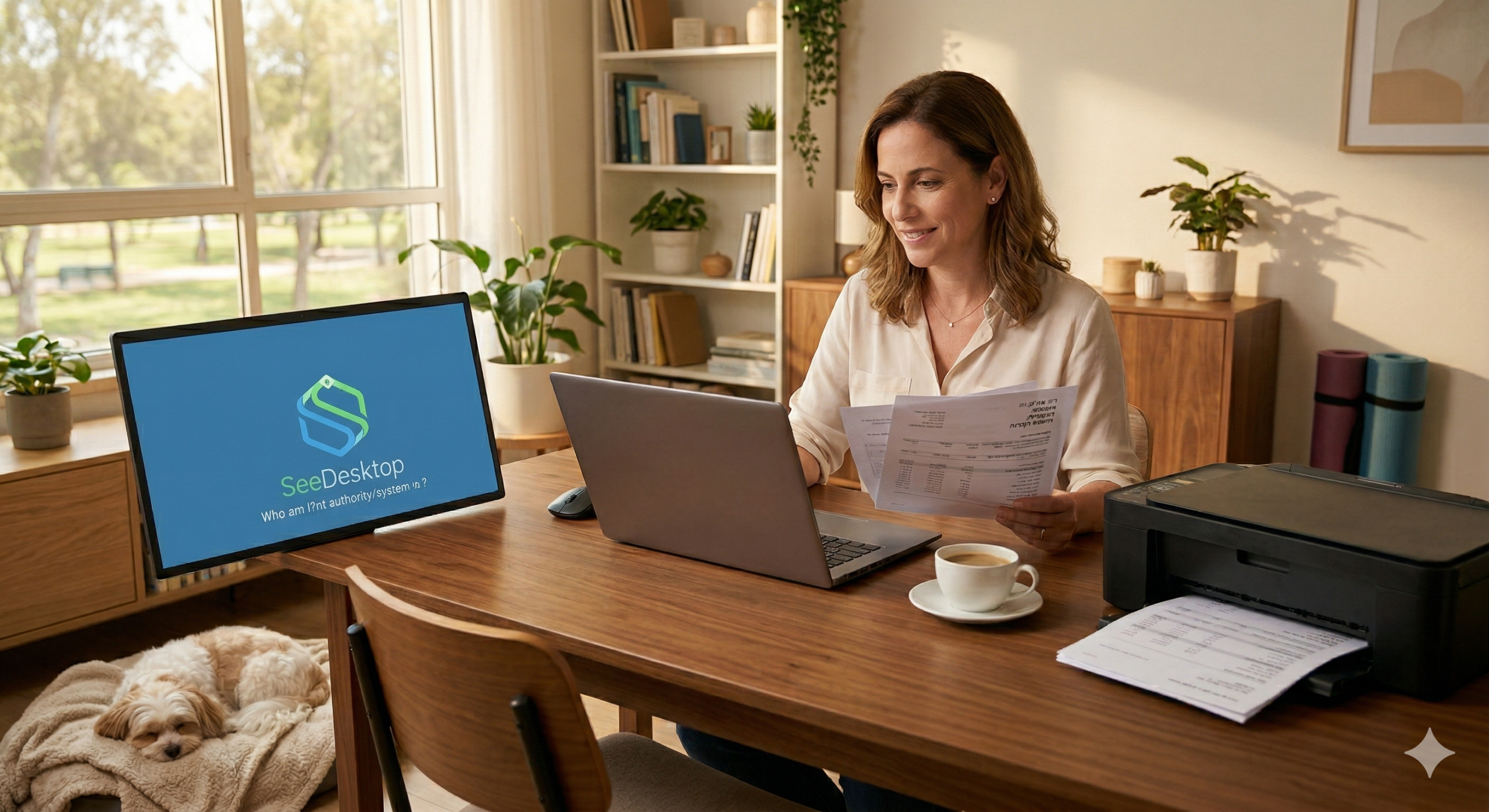
Take Sarah, a veteran accountant. She used to have to be in the office "physically" to print checks, scan documents, and work on the heavy software hosted on the local server. Today, with SeeDesktop Pro, she works from home but feels like she is in the office: קחו למשל את שרה, מנהלת חשבונות ותיקה. פעם היא הייתה חייבת להיות במשרד "פיזית" כדי להדפיס צ'קים, לסרוק מסמכים ולעבוד על התוכנה הכבדה שיושבת על השרת המקומי. היום, עם SeeDesktop Pro, היא עובדת מהבית ומרגישה במשרד:
- Multi-Monitor Support: She connects her home laptop to two external screens and sees the exact multi-monitor setup of the office. No minimizing windows, no hassle. עבודה על ריבוי מסכים: היא מחברת את הלפטופ הביתי לשני מסכים חיצוניים, ורואה את כל מערך המסכים של המשרד בדיוק כמו שהוא. בלי למזער חלונות ובלי להסתבך.
- Remote Printing: She clicks "Print" at home, and the document comes out of the office printer (or vice versa!). הדפסה מרחוק: היא לוחצת "הדפס" בבית, והמסמך יוצא במדפסת של המשרד (או להפך!).
- JamboMail Integration: Transferring massive files, annual reports, and backups with a single click, at record speeds. JamboMail Integration: העברת קבצי ענק של דוחות שנתיים וגיבויים בלחיצת כפתור אחת, במהירות שיא.
Editing 4K videos from a beach laptop? It's possible לערוך סרטי 4K מהלפטופ בחוף הים? זה אפשרי
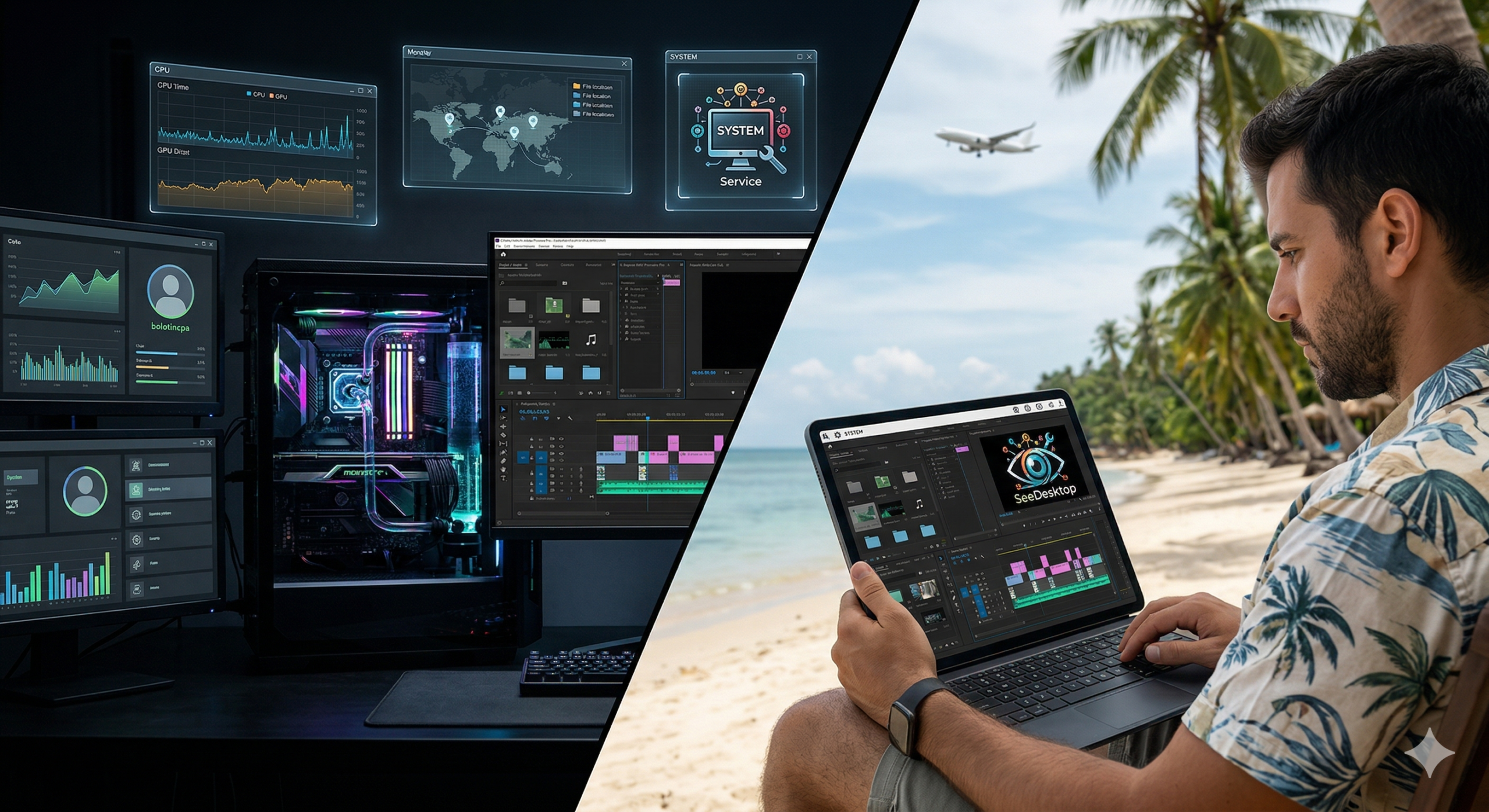
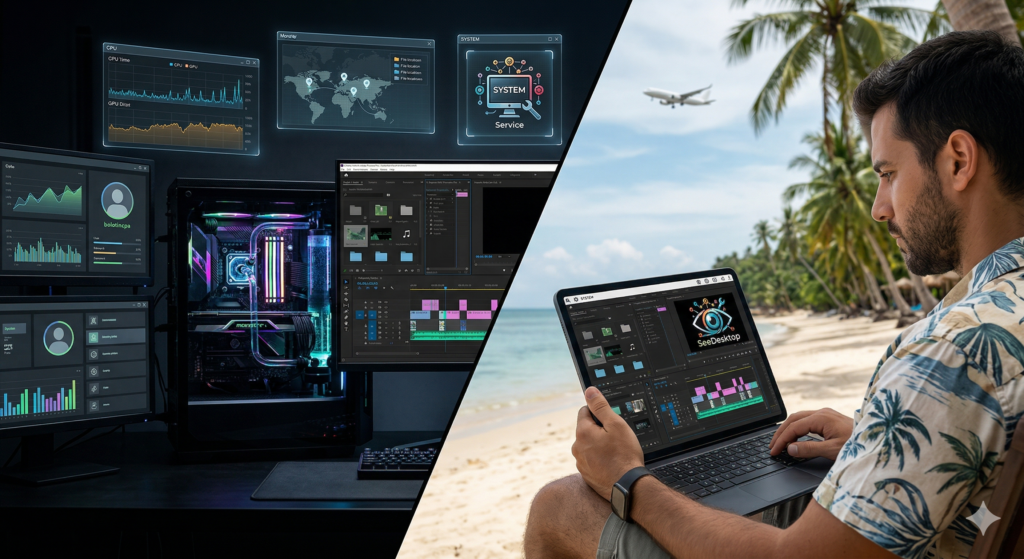
For creatives, latency has always been the issue. Try editing a video when the mouse gets stuck. In Pro, we implemented a streaming protocol so fast that video editors connect to their office "supercomputer" from anywhere. They get the processing power of the strongest GPUs right on their simple home laptop. Zero lag. Maximum performance. עבור אנשי הקריאייטיב, הבעיה תמיד הייתה הדיליי. נסו לערוך וידאו כשהעכבר נתקע. ב-Pro, הטמענו פרוטוקול סטרימינג כל כך מהיר, שעורכי וידאו מתחברים ל"מחשב העל" שלהם במשרד מכל מקום. הם מקבלים את עוצמת העיבוד של כרטיסי המסך הכי חזקים, אצלם בלפטופ הפשוט בבית. אפס לאג. מקסימום ביצועים.
The IT Revolution: RMM, AI, and Smart Management המהפכה של אנשי ה-IT: RMM, AI וניהול חכם
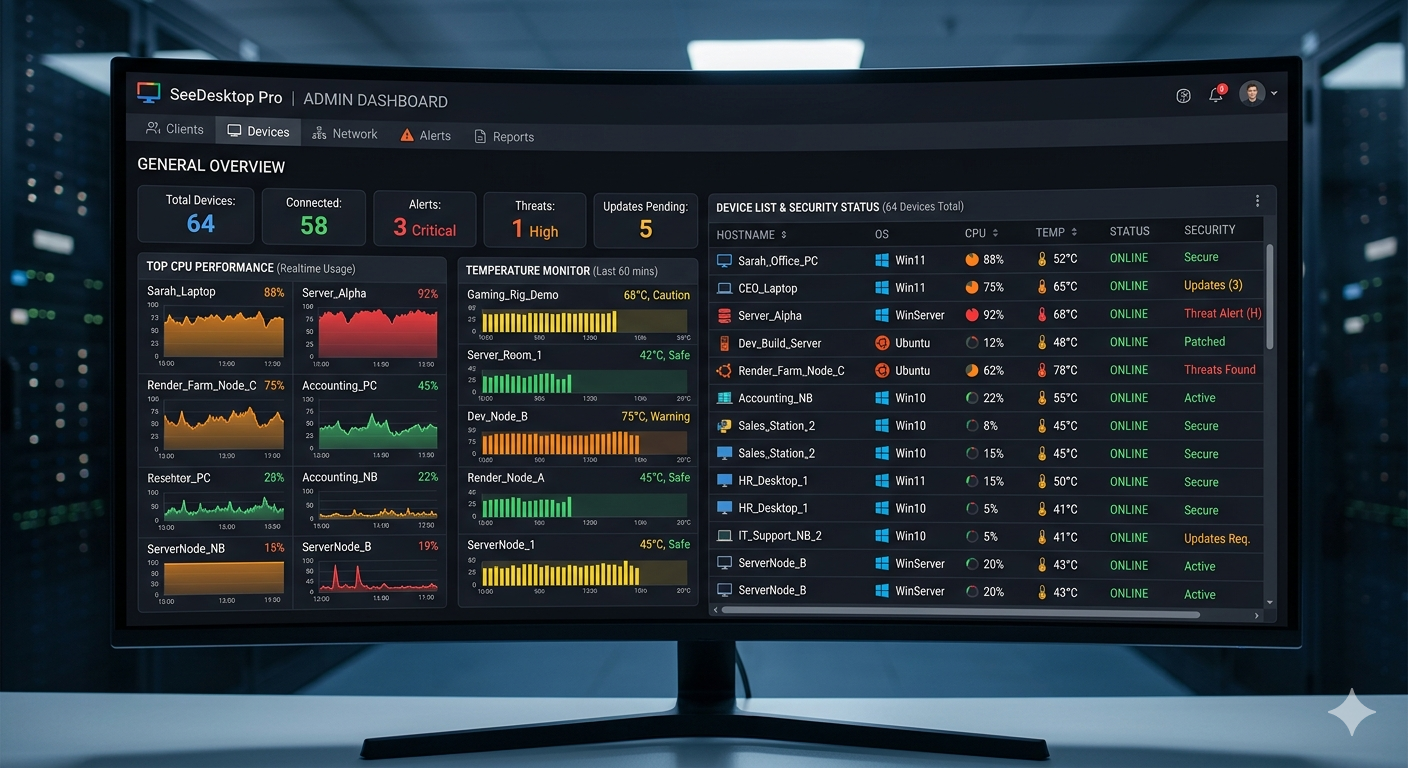
This is where Pro truly shines. It's not just about seeing the screen; it's about managing the machine: כאן ה-Pro באמת זורח. זה לא רק לראות את המסך, זה לנהל את המכונה:
- AI Power & PowerShell Monitoring: The system monitors computers for you. If there's an unusual load or suspicious activity, the AI detects it and runs PowerShell scripts to auto-fix before the user even notices. AI Power & PowerShell Monitoring: המערכת מנטרת את המחשבים עבורך. אם יש עומס חריג או פעילות חשודה, ה-AI מזהה את זה ומריץ סקריפטים של PowerShell לתיקון אוטומטי עוד לפני שהמשתמש הרגיש שמשהו קרה.
- Custom Scripts: Have a standard routine? Run it with one click across all organizational computers simultaneously. הוספת סקריפטים מותאמים אישית: יש לכם סט פעולות קבוע? פשוט תריצו אותו בלחיצת כפתור על כל המחשבים בארגון בו זמנית.
- Safe Mode Boot: The only software that lets you reboot a remote PC into Safe Mode with Networking, staying connected to fix core issues. תיקון במצב בטוח (Safe Mode): התוכנה היחידה שתאפשר לכם להכניס את המחשב המרוחק למצב בטוח עם תמיכה ברשת, ולהישאר מחוברים כדי לתקן תקלות ליבה.
- Session Recording: For security, training, or documentation — every action is recorded and saved to your cloud. הקלטת סשן (Session Recording): לצרכי אבטחה, הדרכה או תיעוד — כל פעולה מוקלטת ונשמרת בענן שלכם.
- Smart Address Book: Hierarchical organization for groups, clients, and endpoints. Connect to your entire IT fleet from one clean folder. ספר טלפונים (Address Book) חכם: ניהול קבוצות, לקוחות ועמדות בצורה היררכית ונוחה. חיבור בתיקייה אחת לכל צי המחשוב שלכם.
Ironclad Security — The New Standard אבטחת ברזל — ה-Standard החדש
We know security is your top priority. SeeDesktop Pro includes active defense layers: mandatory 2FA, uncrackable End-to-End Encryption, and granular permission management for every technician on your team. אנחנו יודעים שאבטחה היא הדבר הכי חשוב לכם. SeeDesktop Pro כוללת שכבות הגנה אקטיביות: אימות דו-שלבי (2FA) חובה, הצפנת קצה-לקצה שאי אפשר לפרוץ, וניהול הרשאות מפורט לכל טכנאי בצוות שלכם.
Why is this the Future of IT? We built the PRO-4-4-4 sequence:
1. Control (Full hardware/software RMM).
2. Speed (Seamless file transfer via TurboTransfer).
3. Intelligence (AI & PowerShell monitoring).
למה הגישה הזאת היא ה-Future של ה-IT? בנינו את רצף ה-PRO-4-4-4:
1. שליטה: ניהול מלא של החומרה והתוכנה (RMM).
2. מהירות: העברת קבצים וסטרימינג חלק (TurboTransfer inside).
3. בינה: ניטור חכם וסקריפטים אוטומטיים (AI & PowerShell).
Part II: The hidden price we pay — and why we reached the point of no return חלק ב': המחיר השקוף שאנחנו משלמים — ולמה הגענו לנקודת האל-חזור
If you've read this far, you already know SeeDesktop Pro is a powerful technological system. But let's put the specs aside for a moment. Let's talk about what really happens behind the scenes of our business. Let's talk about burnout. אם קראתם עד לפה, אתם כבר יודעים ש-SeeDesktop Pro היא מערכת חזקה מבחינה טכנולוגית. אבל בואו נשים את המפרט הטכני בצד לרגע. בואו נדבר על מה שבאמת קורה מאחורי הקלעים של העסק שלנו. בואו נדבר על השחיקה.
There is a psychological concept called "hidden cognitive load". It's not the code we write, or the server we configure. It's the little frustrations, the micro-annoyances that pile up: an unresponsive click, a frozen mouse, a security pop-up that panics the client, the agonizing wait for a simple file transfer bar. יש מושג בפסיכולוגיה שנקרא "עומס קוגניטיבי סמוי". זה לא הקוד שאנחנו כותבים, זה לא השרת שאנחנו מגדירים. אלו הצרות הקטנות, המיקרו-תסכולים שמצטברים לאורך היום: הקליק שלא מגיב, העכבר שקופא, חלון האבטחה שקופץ ללקוח ומכניס אותו לפניקה, ההמתנה המורטת עצבים לפס טעינה של קובץ פשוט.
How many family dinners were ruined by a "5-minute remote session"? לכמה ארוחות ערב איחרתם בגלל "השתלטות של 5 דקות"?
I remember times when the phone buzzed at 7:30 PM. How many times did I promise Elinoy I was coming to the table to eat with the kids, "just finishing a quick session" — only to find myself sweating in front of a black screen an hour and a half later, trying to understand why the software decided to update mid-critical fix? The kids finished eating. The evening was over. All because a tool betrayed me. אני זוכר תקופות שבהן הטלפון היה רוטט ב-19:30 בערב. כמה פעמים הבטחתי לאלינוי שאני בא לשולחן, לשבת לאכול עם הילדים, "רק מסיים השתלטות קטנה וזהו" — ומצאתי את עצמי שעה וחצי אחרי, מזיע מול מסך שחור, מנסה להבין למה התוכנה החליטה לעשות עדכון גרסה בדיוק באמצע תיקון שרת קריטי? הילדים סיימו לאכול. הערב נגמר. והכל בגלל כלי עבודה שבגד בי.
The big corporations making these well-known tools don't count these moments. To them, we are just a profit line on a quarterly report. They sell expensive subscriptions, lock features behind paywalls, and bloat the software with ads and tracking that chokes bandwidth. They know it's hard to switch, so they exploit it. החברות הגדולות שמייצרות את תוכנות ההשתלטות המוכרות לא סופרות את הרגעים האלה. מבחינתן, אנחנו רק עוד שורת רווח בדוח הרבעוני שלהן. הן מוכרות לנו מנוי יקר, חוסמות לנו פיצ'רים בסיסיים מאחורי חומת תשלום נוספת, ומעמיסות על התוכנה פרסומות וקוד מעקב (Tracking) שחונק את רוחב הפס. הן יודעות שקשה לנו לעבור, אז הן מנצלות את זה.
I realized if I didn't break this cycle, it would break me. That's why I dug deep. I wrote the SeeDesktop engine using the fastest, most stable languages (like Rust and C++) to cut out all the "fat". Not for an exit. For us. To get our lives back. הבנתי שאם אני לא אשבור את המעגל הזה, הוא ישבור אותי. זו הסיבה שחפרתי פנימה. כתבתי את המנוע של SeeDesktop תוך שימוש בשפות המהירות והיציבות ביותר (כמו Rust ו-C++), כדי להעיף את כל ה"שומן" המיותר. לא בשביל אקזיט. בשבילנו. כדי להחזיר לעצמנו את החיים.
The voices holding you back (and how to silence them) הקולות בראש שמונעים מכם להתקדם (ואיך להשתיק אותם)
- "But my clients are used to the old software." The biggest lie we tell ourselves. Clients just want their problems fixed. With SeeDesktop, they install nothing. You send a link, they click, you're in. No ID codes, no passwords. 1. "אבל הלקוחות שלי רגילים לתוכנה הישנה, אי אפשר לחנך אותם מחדש." זה השקר הכי גדול שאנחנו מספרים לעצמנו. הלקוח לא רוצה להכיר תוכנה, הוא רוצה שהבעיה שלו תיפתר. ב-SeeDesktop, הלקוח לא צריך להתקין כלום. אתם שולחים לו לינק, הוא לוחץ, אתם בפנים. אין "מה המספר שלך?", אין "מה הסיסמה?". פשוט, חלק, עובד. הלקוחות שלכם יודו לכם על זה שהפסקתם לשגע אותם.
- "Is it truly secure?" Absolutely. As someone who researches EDR and cyber daily, the security here is obsessive. No third-party servers snooping. Banking-grade encryption, and crucial port locking. You manage the security, not the other way around. 2. "איך אני יודע שזה באמת מאובטח? אני מטפל במידע רגיש." ובצדק. בתור מי שחוקר מערכות EDR (Endpoint Detection and Response) וסייבר ביומיום, האבטחה כאן חולנית. אין שרת צד ג' שמציץ לכם בתעבורה. החיבור הוא מוצפן ברמת בנקאות, עם נעילת פורטים קריטית. אף פורט 445 או SMB לא נשאר חשוף. אתם מנהלים את האבטחה, לא המערכת מנהלת אתכם.
- "I don't have time to migrate my Address Book." We thought of that. Our smart import brings all your machines over in 3 clicks. 3. "אין לי זמן להעביר את כל רשימות המחשבים (Address Book) שלי." חשבנו על זה. המערכת כוללת ייבוא חכם. בתוך 3 קליקים, כל המחשבים שמורים לכם בממשק החדש.
Imagine tomorrow morning. A client calls. You don't flinch. You open SeeDesktop. In two seconds, their screen is with you — crisp, clear. You open 3 more servers simultaneously, it runs like butter. AI alerts you of a full disk, you run a PowerShell script in one click and clean it. You finish your day at 5:00 PM. Not 8:00 PM. You close the laptop and go to your family. This isn't a dream, it's proper software architecture. תעצמו עיניים לרגע ותדמיינו את יום העבודה של מחר. לקוח מתקשר. אתם לא מתכווצים. אתם פותחים את SeeDesktop. תוך שתי שניות המסך שלו אצלכם — חד, ברור, בלי פיקסלים מרוחים. אתם פותחים במקביל עוד 3 מסכים של שרתים אחרים, המערכת עובדת חלק כמו חמאה. ה-AI סורק ברקע ומקפיץ לכם התראה קטנה שהדיסק של אחד השרתים מתמלא, אתם מריצים סקריפט PowerShell בלחיצת כפתור אחת ומנקים אותו. אתם מסיימים את היום ב-17:00. לא ב-20:00. אתם סוגרים את הלפטופ, והולכים למשפחה שלכם. הראש שקט. זה לא חלום, זו ארכיטקטורה נכונה של תוכנה.
Open Your Pro Account Now & Take Back Control » פתחו עכשיו את חשבון ה-Pro שלכם והחזירו את השליטה לידיים שלכם » Protected by a full 30-day guarantee. Feel the difference, or get your money back with no questions asked. מוגן באחריות מלאה של 30 יום. תרגישו את ההבדל, או שתקבלו את כספכם חזרה בלי שאלות.Part III: The Bottom Line — Stop paying for frustration and invest in your peace of mind חלק ג': השורה התחתונה — להפסיק לשלם על תסכול ולהתחיל להשקיע בשקט הנפשי שלכם
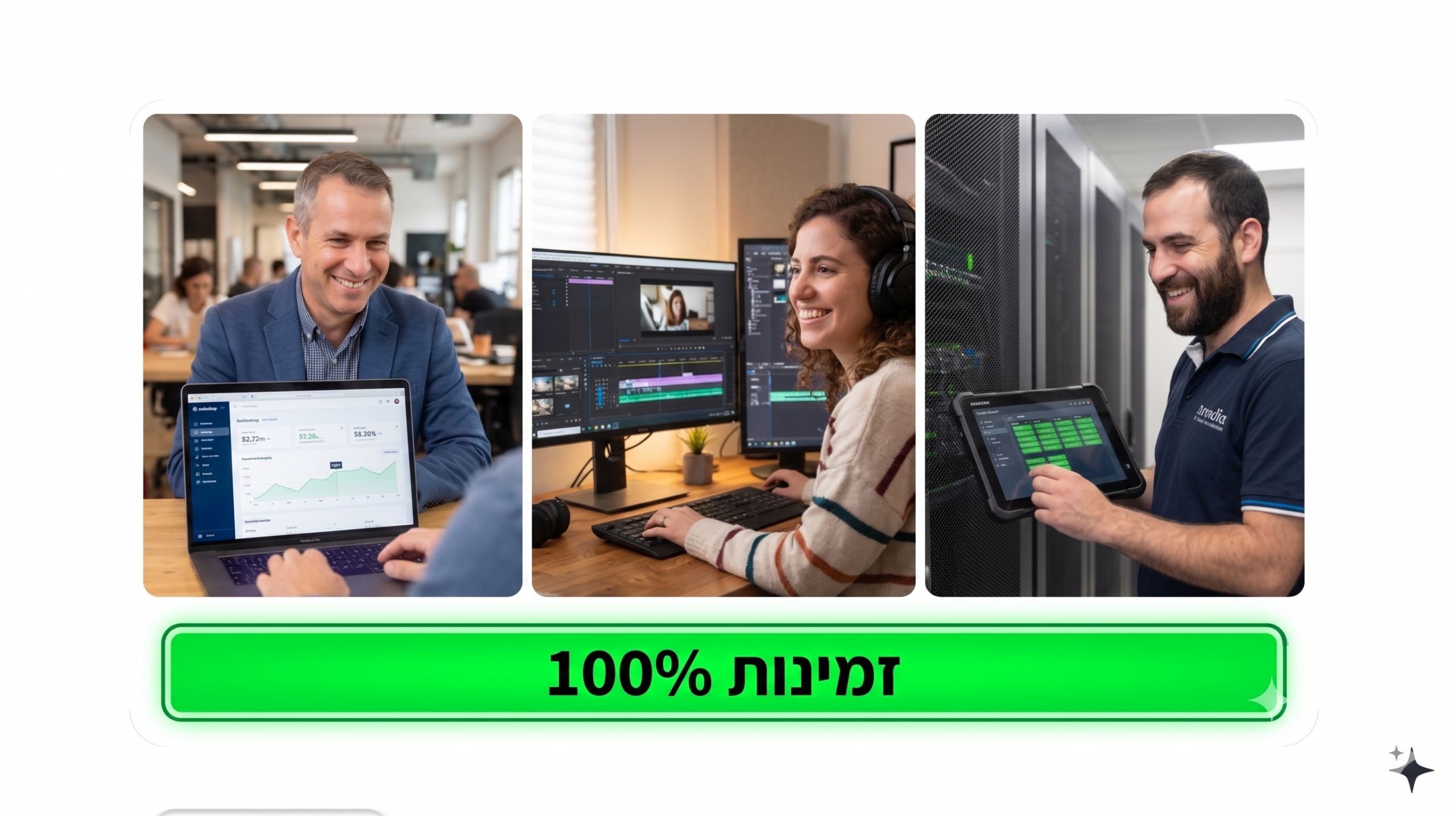
Think about the last time you had to renew your annual license for your current tool. You got the invoice — thousands of dollars. Did you feel like you were paying for a system that pushes your business forward? Or did it feel like "protection money" to a monopoly just so you could keep working, swallowing the frustration of drops and lag? תחשבו על הפעם האחרונה שבה הייתם צריכים לחדש את הרישיון השנתי של תוכנת ההשתלטות המוכרת שלכם. קיבלתם את החשבונית למייל — אלפי שקלים (או עשרות אלפים, אם יש לכם צוות). ומה עבר לכם בראש באותו רגע? הרגשתם שאתם משלמים על מערכת שמזניקה את העסק שלכם קדימה? או שהרגשתם שאתם משלמים "דמי חסות" לחברה מונופוליסטית רק כדי שתוכלו להמשיך לעבוד, תוך כדי שאתם בולעים את התסכול על הניתוקים והאיטיות?
When a technician wastes 15 minutes fighting a firewall... when a 2GB file transfer fails at 99%... when a VIP client is breathing down your neck... It costs you money. It costs you reputation. And it costs you your health. כשטכנאי מבזבז 15 דקות רק על לנסות להתחבר ללקוח מבעד לחומת אש (Firewall) חוסמת... כשהעברת קובץ של 2GB נכשלת ב-99% וצריך להתחיל מהתחלה... כשלקוח VIP ממתין על הקו ונושף לכם באוזן... זה עולה לכם כסף. זה עולה לכם במוניטין. וזה עולה לכם בבריאות.
Everything you get today (The Ultimate IT Stack) כל מה שאתם מקבלים היום (The Ultimate IT Stack)
- Zero-Lag P2P Engine: Perfectly smooth control, even in poor network conditions. מנוע חיבור P2P אלגנטי (Zero-Lag): שליטה חלקה לגמרי, גם בתנאי רשת קשים. עבודה על ריבוי מסכים שמרגישה כאילו אתם יושבים במשרד.
- Smart RMM & AI: Proactive issue detection and automated PowerShell scripts for auto-fixing. מערכת ניהול וניטור חכמה (RMM & AI): זיהוי תקלות פרואקטיבי בעמדות הקצה שלכם והרצת סקריפטים מותאמים של PowerShell לתיקון אוטומטי.
- Data Ecosystem: Built-in JamboMail integration for blazing-fast large file transfers. אקו-סיסטם של העברת נתונים: שילוב מובנה של JamboMail והעברת קבצי ענק במהירות עצומה, מבלי לתקוע את מסך השליטה.
- Advanced Rescue Toolkit: The only tool that reboots remote PCs into Safe Mode with networking. ערכת חילוץ מתקדמת: היכולת היחידה מסוגה בשוק להכניס מחשב מרוחק ל"מצב בטוח" (Safe Mode) עם רשת, ולהמשיך לטפל בו.
- Remote Print & Session Recording: Full auditing and maximum convenience for remote workers. הדפסה מרחוק והקלטת סשנים: תיעוד מלא של העבודה לעמידה בתקני אבטחה, ונוחות מקסימלית למנהלות חשבונות ועובדים מהבית.
My Personal Guarantee (30 Days of Proven Peace) ההתחייבות האישית שלי אליכם (30 ימים של שקט מוכח)
I am not a faceless corporation. I am a professional who works just like you. I know how hard it is to switch software. Take SeeDesktop Pro for a 30-day spin. Install it on your most problematic server. Let your accountant use it. If you don't feel the difference, send us a message and get every penny back. No forms, no retention agents. אני לא תאגיד בינלאומי חסר פנים. אני איש מקצוע שעובד בדיוק כמוכם. אני יודע כמה קשה לעשות את המעבר לתוכנה חדשה כשכל העסק שלכם תלוי בה. לכן, אני מסיר מכם את כל הסיכון. קחו את SeeDesktop Pro לסיבוב של 30 יום. התקינו אותה על השרת הכי בעייתי שלכם. נסו להעביר דרכה תיקייה שלמה של סרטי 4K. תנו למנהלת החשבונות שלכם לעבוד איתה יום שלם מהבית. אם אחרי 30 יום לא תרגישו שהעבודה שלכם הפכה למהירה, חלקה ורגועה יותר — פשוט שלחו לנו הודעה, ותקבלו את כל כספכם חזרה. עד השקל האחרון. בלי טפסים, בלי שאלות מתחכמות, בלי נציגי שימור לקוחות.
Frequently Asked Questions (FAQ) שאלות שאנחנו שומעים הרבה (FAQ)
Yes. We built an architecture compliant with strict EDR systems. SeeDesktop is digitally signed and operates cleanly without causing false positives that panic clients. כן. בנינו את המערכת בארכיטקטורה שמתיישרת עם מערכות EDR המחמירות ביותר. SeeDesktop חתומה דיגיטלית ופועלת בצורה נקייה ושקופה למערכת ההפעלה, כך שלא תקבלו חסימות שווא (False Positives) שמשגעות את הלקוחות.
Under 3 minutes. Our system allows simple import and creates a Silent Installer you can deploy across clients with one click. פחות מ-3 דקות. המערכת שלנו מאפשרת ייבוא פשוט, ויצירת מתקין שקט (Silent Installer) מותאם אישית שתוכלו לפזר לכל הלקוחות שלכם בלחיצת כפתור אחת.
No. You can configure Unattended Access as a Windows Service, or use the fast Run-Only version for casual clients. You are in control. לא. אתם יכולים להגדיר גישה ללא השגחה (Unattended Access) כשירות (Service) של Windows, או להשתמש בגרסת ה-Run-Only המהירה עבור לקוחות מזדמנים. אתם שולטים בזה.
Your time is yours again הזמן שלכם חזר להיות שלכם
Your spouse, your kids, your hobbies (for me, it's balcony gardening and tending to my Chinese Orange tree) — they are waiting for you when the workday ends. Technology shouldn't trap us; it should free us. האישה, הילדים, התחביבים שלכם (אצלי זה הגינון במרפסת והטיפול בעץ התפוז הסיני שלי שדורש את תשומת הלב שלו) — כל אלה מחכים לכם כשתסיימו את יום העבודה. הטכנולוגיה לא אמורה לכלוא אותנו. היא אמורה לשחרר אותנו.
The current offer to join the Pro version is live, but please note: to ensure max network performance and zero-lag AI capabilities, we limit new users in each server batch. Don't get left behind with yesterday's tools. It's time to make the smart move. ההצעה הנוכחית להצטרפות לגרסת ה-Pro נמצאת כרגע באוויר, אך שימו לב: כדי להבטיח ביצועי רשת מקסימליים ואת יכולות ה-AI ללא עיכובים, אנו מגבילים את מספר המצטרפים החדשים בכל אצווה (Batch) של שרתים שאנו מרימים. כשהמכסה הנוכחית תתמלא, נאלץ לסגור את ההרשמה עד להרחבת התשתית הבאה. אל תישארו מאחור עם כלים של אתמול. אל תתנו למתח לחזור לכתפיים שלכם. הגיע הזמן לעשות את הצעד החכם לעסק שלכם.
Secure Your Spot in SeeDesktop Pro and Start Your Risk-Free Trial Now » הבטיחו את המקום שלכם ב-SeeDesktop Pro והתחילו את תקופת הניסיון ללא סיכון עכשיו »Eli and the SeeDesktop Team
אלי וצוות SeeDesktop